Guide · Tech
How to free up phone storage without deleting your memories
Five things to try, in order, before you buy anything.
1. Find out what's actually filling it
Go to Settings → Storage. It's almost always photos, videos and one or two apps that keep caching (WhatsApp, TikTok, Spotify downloads).
2. Clear WhatsApp media
WhatsApp → Settings → Storage and data → Manage storage. Sort by size. Forwarded videos in family groups are usually the culprit.
3. Empty 'Recently deleted'
Deleted photos sit in a bin for 30 days (60 in some apps) and still take up space until you empty it.
4. Turn off offline downloads you don't use
Spotify, Netflix and podcast apps quietly keep gigabytes of downloads.
5. Move photos off the phone
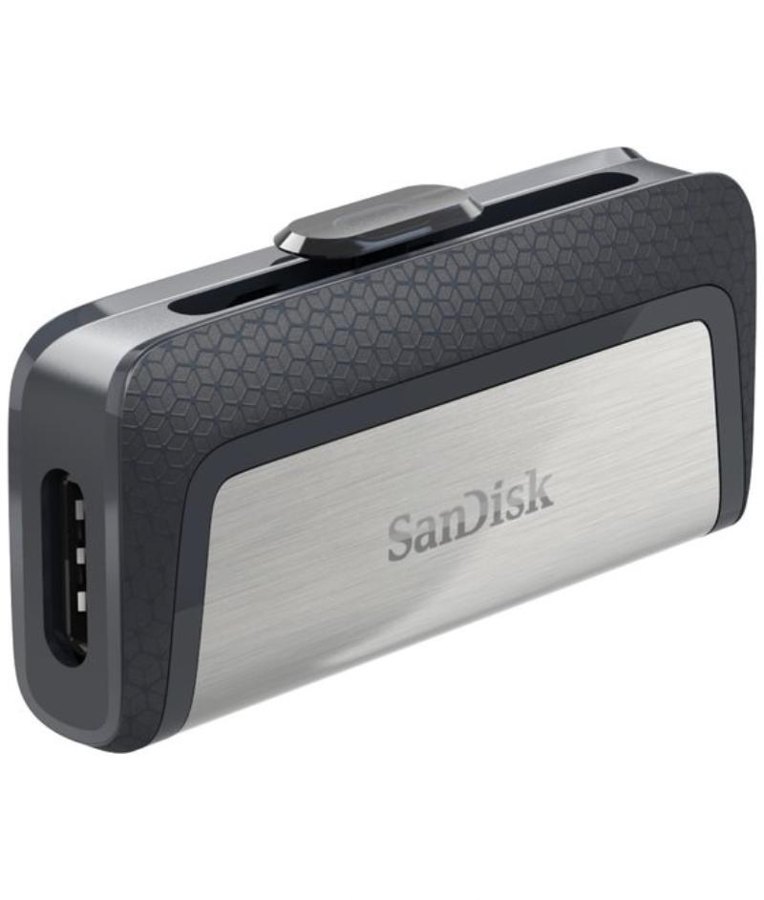
Either pay for cloud storage, or move them to a laptop or a dual USB drive. If you go the drive route, keep a second copy somewhere else. My notes on the drive I'd pick are in the SanDisk Ultra Dual Drive review.